
Stop being the glue between your jobsites and your office.
We audit the construction software you already pay for, connect one broken handoff with your crew, and hand over a system your company owns.
- Hours re-keyed Thursday night because field time misses payroll cost codes.
- Daily reports trapped in text threads while the office reconstructs the day.
- Extra work finished on site with written notice and photos missing at billing.
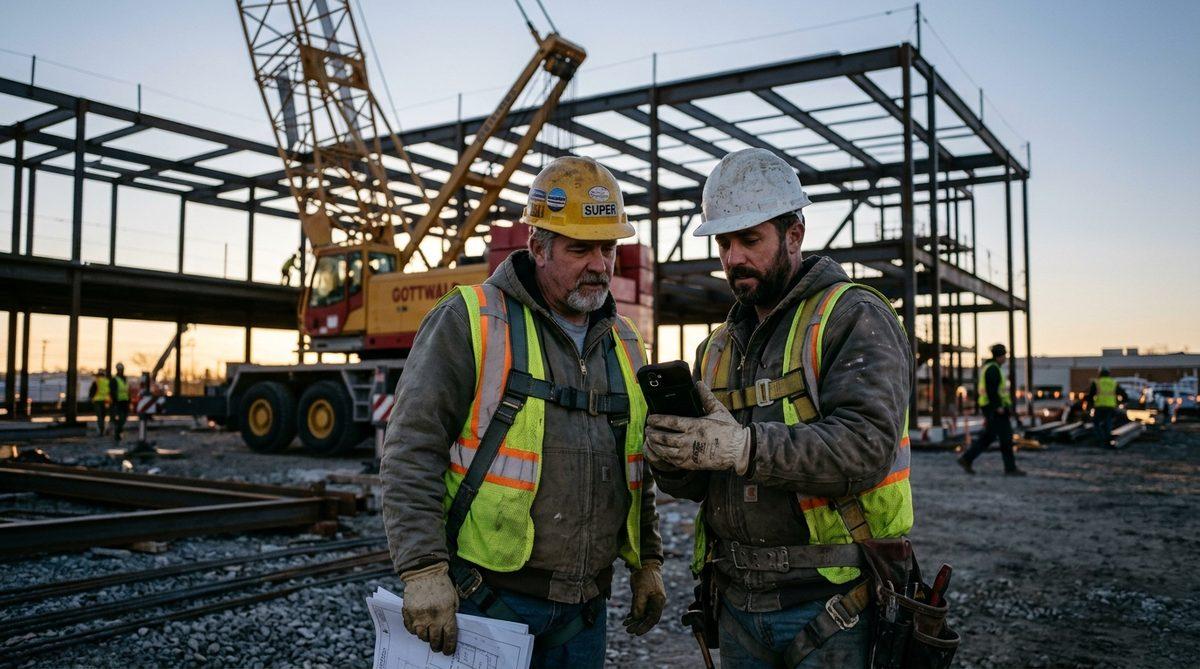
Drag the drawing to see how your tools connect.
Most contractors don't have a software shortage — they have six paid islands and an owner manually routing information between them. Compare today's redlined bottlenecks against a clean connected handoff.
Built foundations — not slide decks.
Most projects start by connecting or configuring tools you already own. Where a real gap exists, we deploy focused field tools already built for cranes, steel, and commercial crews.
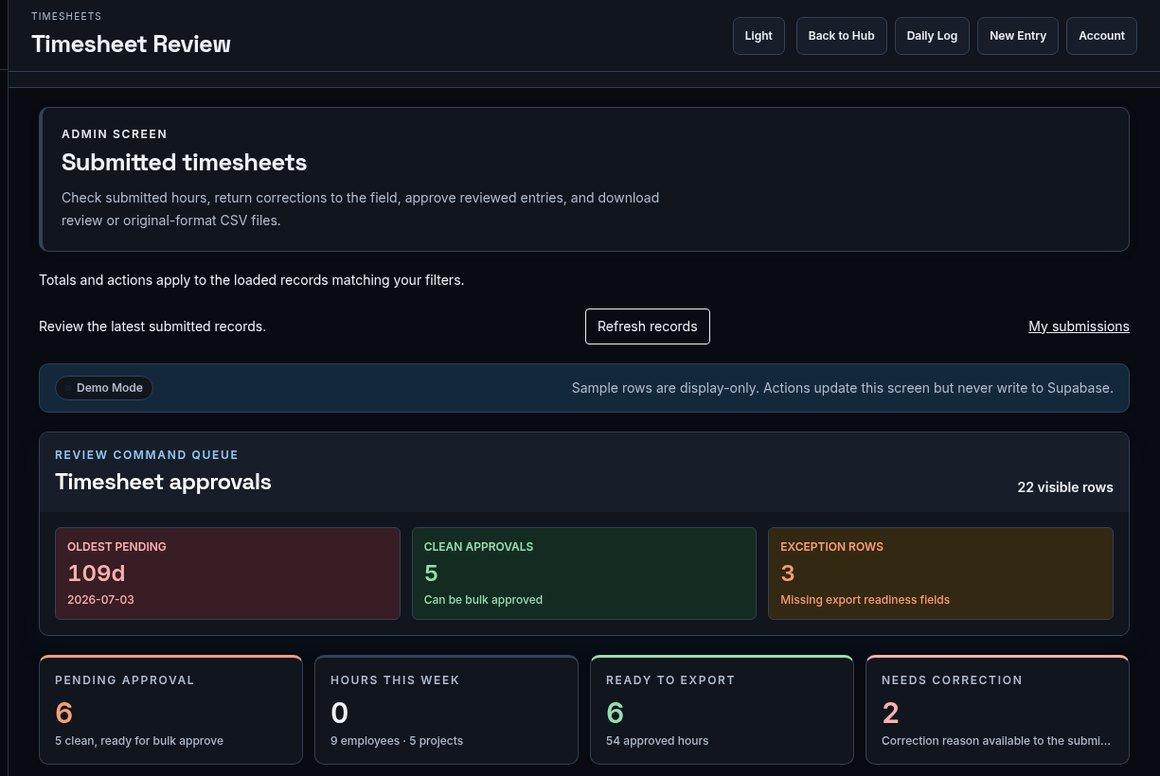
Send one record from the jobsite — and close the loop.
Click through both sides of a live handoff. Submit from the field on the left, review and approve on the right, and watch the decision return to the crew.
West Yard — Daily Report
- Crew
- 6 Ironworkers · 1 Crane Operator
- Blocker
- Steel delivery blocking west outrigger pad
- Evidence
- 2 site photos · timestamp & project locked
Submit from the jobsite to trigger the office review queue.
West Yard · Incoming Field Records
Waiting for the field submission on the left.
Local demonstration using sample records — no live company data, account, or external integration is triggered here.
Less retyping. A shorter path to review.
Real operational builds across field inspections, structural steel operations, crane lift review, drawing markup, and workforce readiness — showing how each handoff runs on paper versus once connected.
- Field Inspections
Site inspection to the client's report
Reporting time down 25%.BeforeAbout 10 steps across three people. The office retypes findings, builds the report, and emails it.
Now6 steps, all in the inspector's hands. Findings and photos are written once on site, and the report goes out when the inspection closes.
- Structural Steel Operations
Daily field log to crew time and office review
BeforeDaily reports, crew hours, and office status updates live in separate files and get re-entered at week's end.
NowThe foreman records the day once. Crew timesheets and the company health report read from that same source, with clear handoffs for drawing revisions, change control, and closeout.
- Scheduling & Weekly Time
Client inspection booking & weekly timesheets
BeforeA call or email, a callback for missing site details, and paper timesheets retyped at the office with corrections buried in email.
NowOne booking form asks for everything the inspector needs before office approval puts it on the schedule. Crew time is entered once against client and site, reviewed and corrected in place with every change kept.
- Crane & Drawing Review
Lift package & construction drawing review
BeforeOpen every file separately, cross-check crane and rigging math against scattered crew and inspection records, or chase unmarked PDF revisions.
NowUpload a lift package for one checklist of what is present and what is missing — a human reviewer checks it and the general contractor signs off. On drawings, crews measure, mark up, and compare PDFs so every reviewed fact reopens on the original page and revision.
- Workforce Readiness
Skills records from new hire to proven
BeforeHours in a seat and supervisor sign-offs kept in a binder, blurring classroom tests with observed jobsite skill.
NowOne record per person keeping learning, passed knowledge checks, mentor-observed tasks, external certifications, and employer stage decisions as five separate items. External certification stays a separate record.
One owned system instead of four subscriptions. An inspection app, a client scheduling portal, a timesheet tool, and a training platform would run about $700 to $800 a month for a 13-person team. When consolidated into a single company-owned system, all four share one sign-in and one record.
Estimate from the vendors' published list prices, November 2026. Costs vary by team and hosting setup.
Start with an audit, not a rebuild.
Before buying another subscription or writing custom code, we inspect one business unit, one active job, and one completed job. You keep every document we produce — whether you hire us to build or run it yourself.
Remote delivery across the U.S. Fixed scope confirmed after a 20-minute fit call. Implementation is always quoted separately.
01Software & subscription register
Every paid tool, renewal date, seat count, and what your crews actually use versus what sits idle.
02Four mapped workflows with duplicate entry marked
Drawings and revisions, safety/JHA documentation, time-to-accounting, and GC communications — observed on real work, not guesswork.
03Keep / Configure / Connect / Replace / Retire register
A plain verdict for every tool in your stack. Often the highest-return move is configuring what you already own.
04Risk & dependency check
Separates GC-mandated platforms from discretionary subscriptions, and flags payroll and safety sign-off boundaries before anything changes.
05Prioritized 90-day plan
Sequenced by effort, internal owners, and realistic full cost — including hosting, retained licenses, and adoption time.
06One pilot specification
Exact records, reviewer roles, acceptance criteria, and rollback plan for your #1 bottleneck — portable to any builder or IT team.
07Executive readout
Separates verified facts, estimates, and open questions. Recovered staff capacity stays clearly separate from actual cash savings.
Check what manual handoffs cost your week
Move the sliders to match a typical week. Your own self-estimate gives us a concrete starting point to test against real records in the audit.
Suggested audit focus: map one field-to-office handoff across your 6 leads and confirm what existing tools can already handle.
Based on your inputs only — not a reported customer result or guaranteed saving. Recovered staff capacity stays separate from cash spending.
How FieldCraftPro compares to point apps and enterprise rollouts
Owner-led contractors (10–250 employees) usually get stuck between scattered point tools and oversized enterprise suites. Here is the structural difference.
| Dimension | Point Apps & Spreadsheets | Enterprise Suite Rip-and-Replace | FieldCraftPro |
|---|---|---|---|
| Existing accounting & GC platforms | Disconnected; office staff re-key hours and reports manually | Pushes expensive migrations and overlapping modules | Kept intact — QuickBooks, Sage, and Procore stay where they work |
| Starting scope | Ad-hoc apps added per problem without a shared record | Multi-month company-wide rollout before proving value | Construction Software & Workflow Audit, then one priority handoff |
| Ownership & lock-in | Data scattered across subscriptions, texts, and PDFs | High annual seat fees; hard to leave once adopted | Client-owned deliverables, admin access, clean exports, optional care |
| Field adoption | Foremen fall back to texting photos and paper cards | Complex menus built for office admins, not field crews | Phone-first, offline-safe drafts; done only when crews run it unassisted |
| Safety, payroll & contract sign-off | Informal or missing audit trail | Rigid enterprise workflows requiring heavy admin setup | Named human approval gates with timestamped audit history |
Built from real field operations, not a generic tech shop.
FieldCraftPro grew directly out of years working alongside commercial contractors, crane and rigging crews, structural steel operations, and jobsite safety teams. Everywhere we looked, sharp companies were paying for five disconnected apps while owners and superintendents still chased paperwork by text.
We start with the people doing the work, build one working handoff with your crew and office, test it on an actual job until a crew member runs it without calling you, and hand over full control — including the right to maintain it without us.
Straight answers before a 20-minute call.
What does FieldCraftPro actually do for a construction company?
FieldCraftPro audits the construction software you already pay for, fixes one broken field-to-office handoff at a time (such as daily reports, crew timesheets, extra-work change orders, equipment readiness, or JSA plans), and hands over a working system your company owns and controls.
Do we have to replace Procore, QuickBooks, or Sage?
No. Accounting, payroll, and GC-required project platforms like Procore, QuickBooks, and Sage stay where they work. Most of the payoff comes from fixing the field-to-office handoff into those systems rather than ripping out core software.
How is a Construction Software and Workflow Audit different from buying new software?
The audit examines your actual subscriptions and watches real work across one active job and one completed job before you commit to a build. You keep all seven deliverables — including a Keep, Configure, Connect, Replace, or Retire register and a 90-day plan — whether or not you hire FieldCraftPro to implement anything.
If we stop working together, what does our company keep?
Your company keeps everything defined in the project agreement: custom deliverables, administrator access, data exports, operating guides, and team training. Ongoing maintenance by FieldCraftPro is optional, and third-party licenses and hosting remain in your control.
Will field foremen and crews actually use this on jobsites with poor cell service?
Yes — field adoption is our definition of done. Workflows are designed for mobile phones and weak jobsite signal with offline-safe device drafts, and a pilot is not considered complete until a named crew member runs it unassisted with the owner out of the room.
How are safety decisions, JSAs, payroll approvals, and contract notices handled?
Every safety judgment, JSA sign-off, payroll approval, and contract notice stays locked behind named human review. Software organizes records, timestamps events, and flags missing backup, while authorized people make and approve every operational decision.